
With the Rimo Voice app
By just recording, you can quickly turn it into your usual meeting minutes after the meeting.
You can ask the AI about what was discussed without having to re-read long minutes.


Supports iOS 16.0 and above / Android 10 and above



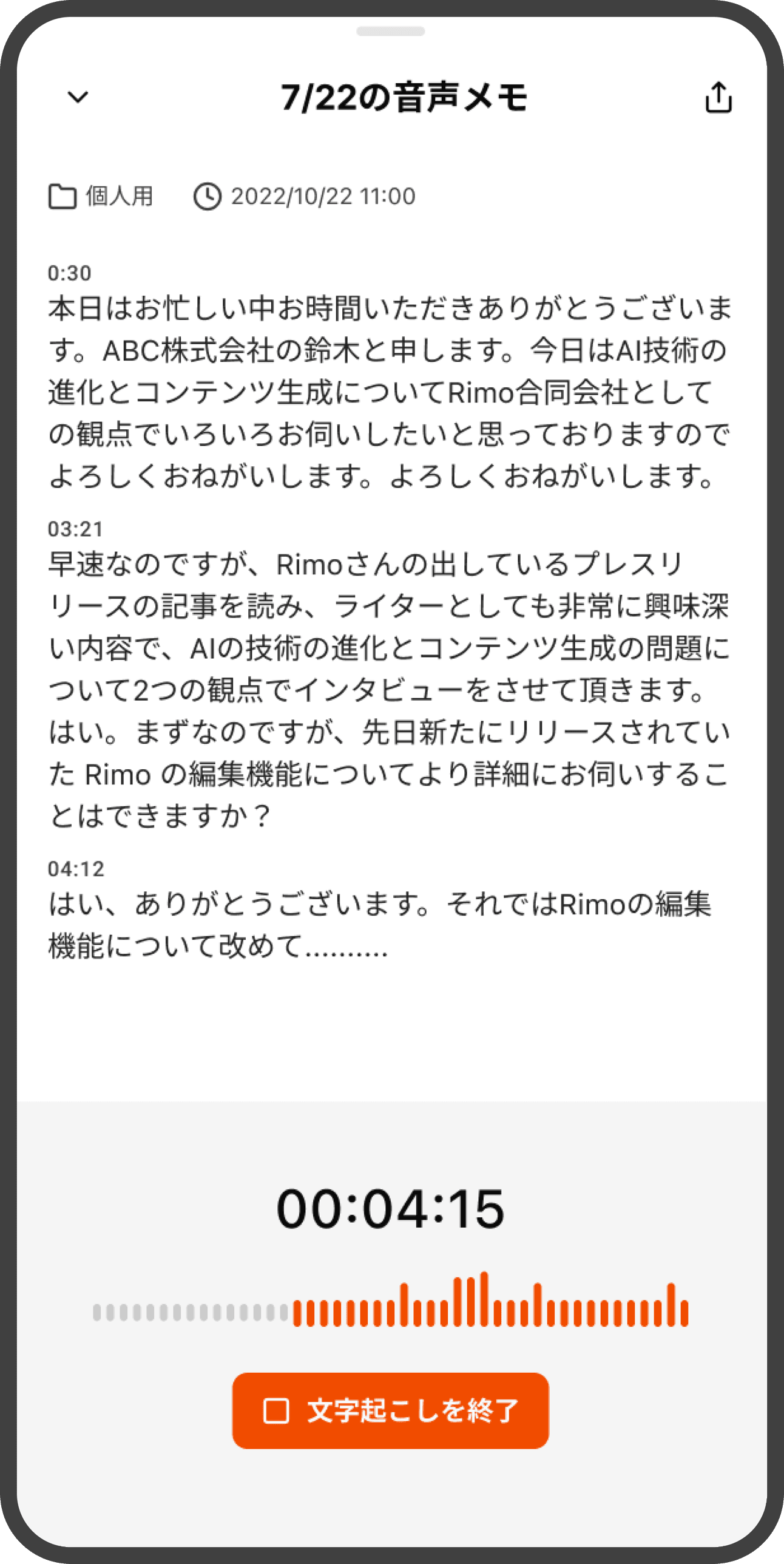
In the meeting room or on the go, open the app and start recording with one tap. Recording continues even if you close the screen.
Just select and share audio or video files recorded with other apps or an IC recorder to get transcription and a summary.
Enter the meeting URL for Zoom, Google Meet, Microsoft Teams, or Webex, and the Bot will join and record the meeting.
Bot recording availability depends on your plan and organization settings.
Get started with mic recording, file import, or a bot. With real-time recording, what you say is transcribed as you speak.
Once recording or import is complete, AI automatically creates everything from the transcription to the summary.
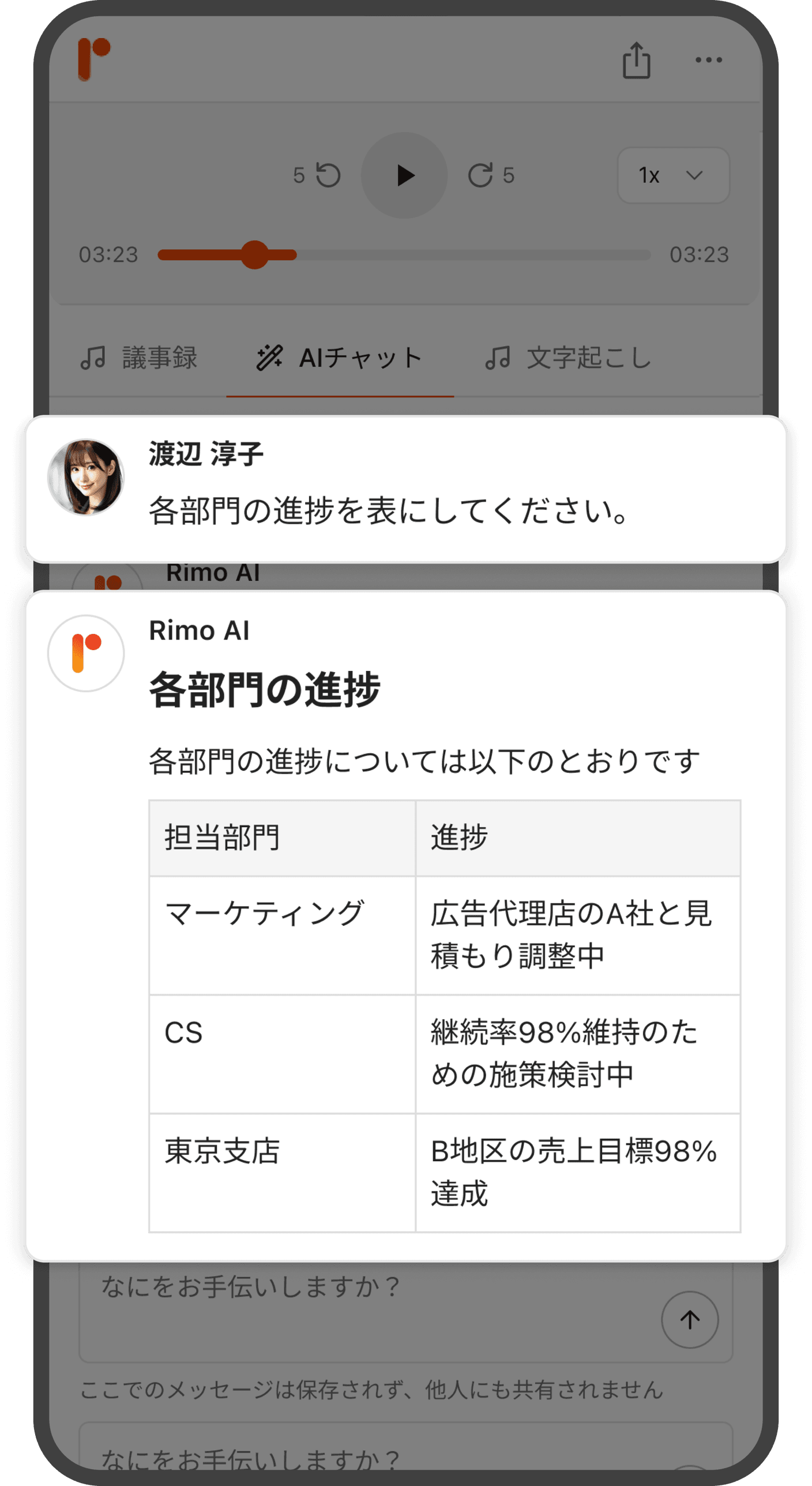
Review meeting minutes on the spot and share with your team. Use keyword search or ask AI to instantly find what you need.
Bot recording and AI search availability depends on your plan and organization settings.
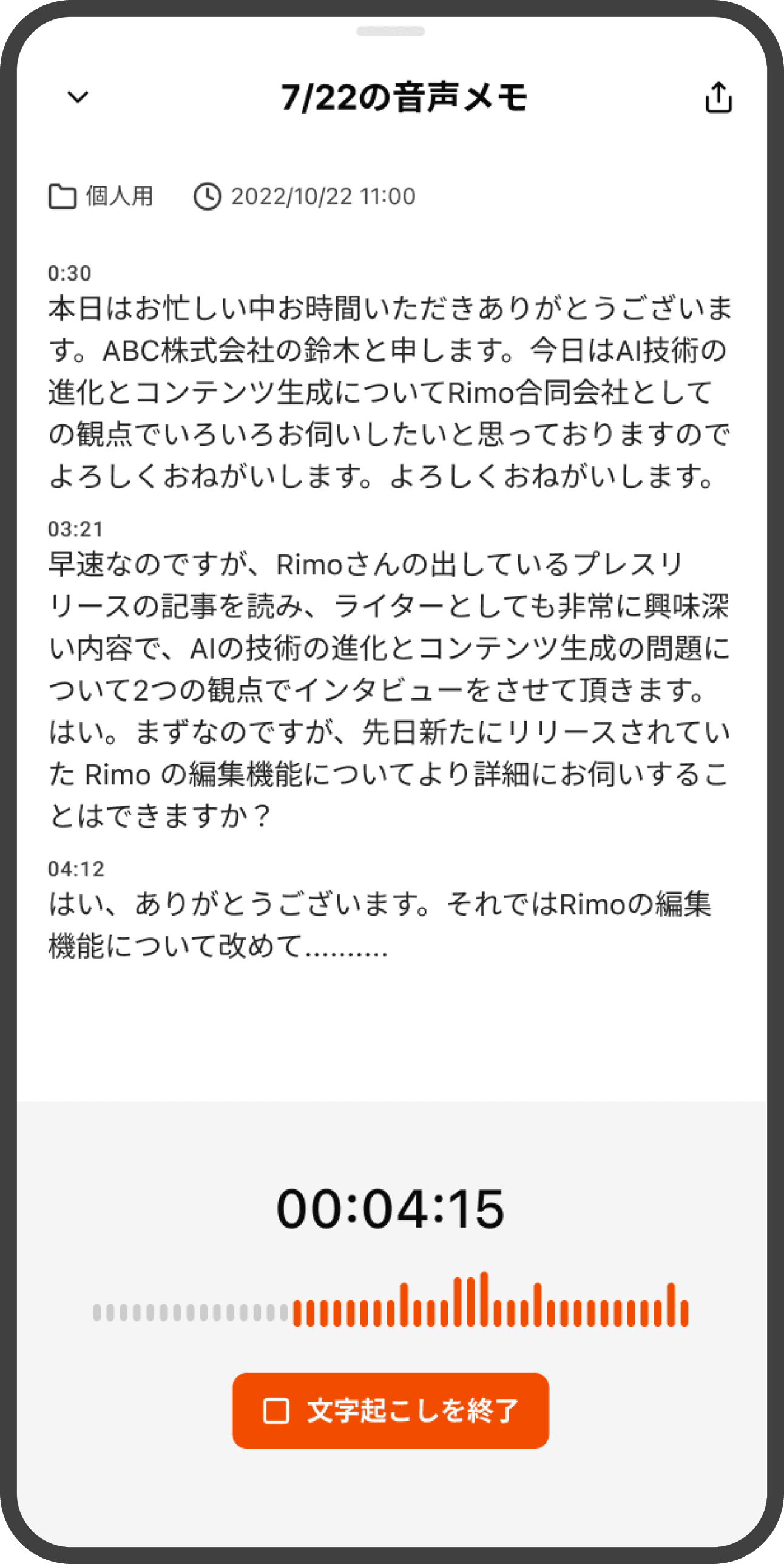
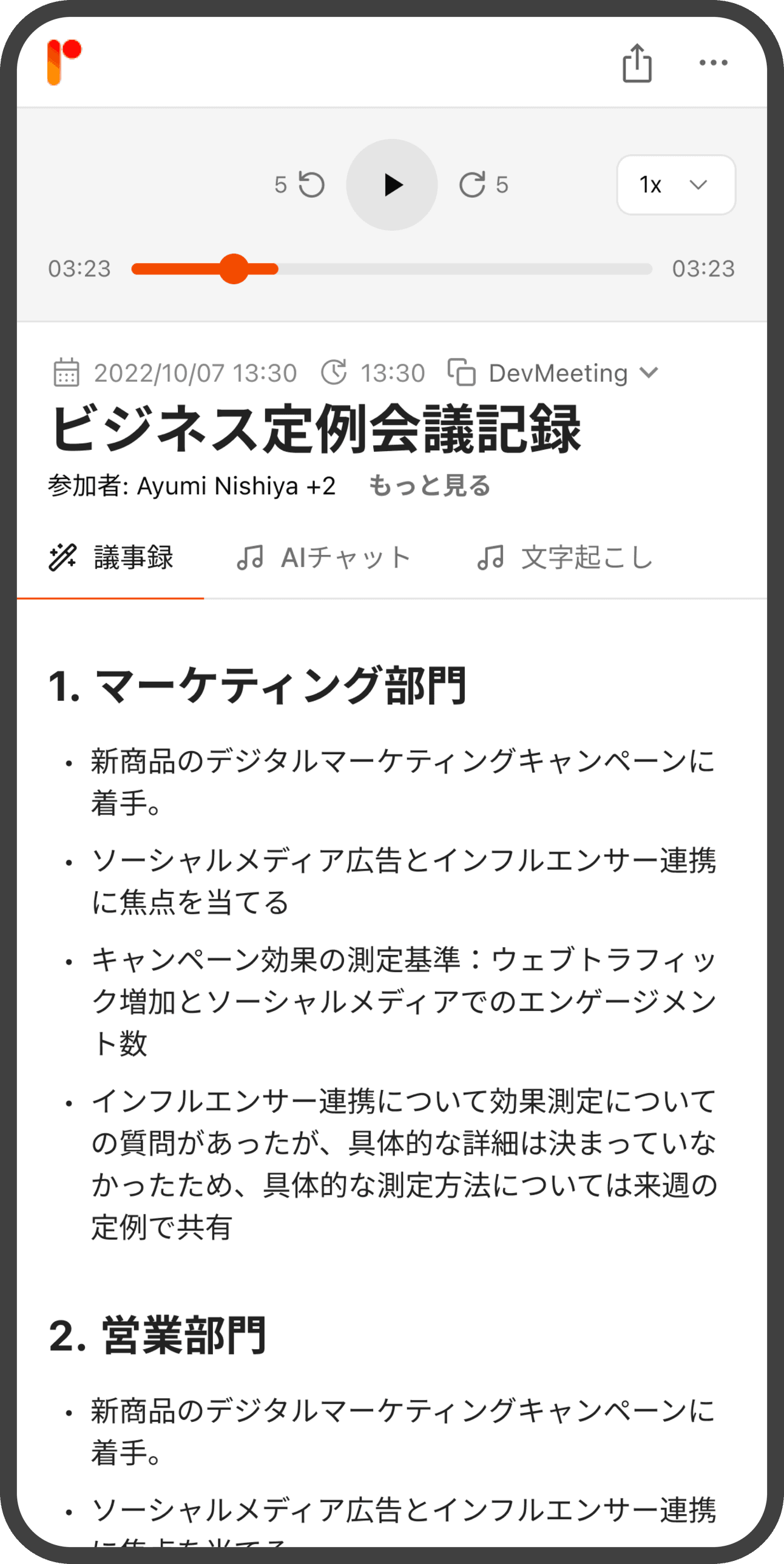
What you say is transcribed in real time. When you stop recording, AI finishes the summary as-is.
View transcription and translation side by side. It works both ways, so speech in either language is translated into the other.
Just ask: “What were the key decisions from last week?” AI searches across past meetings, answers, and shows the source notes.
Keep everything in one place—from recordings made on your phone to meeting minutes edited on your PC. You can also share with your team from the app.
Recording continues even if you close the screen. If interrupted by a call or Siri, it will try to resume automatically. Even without reception, the audio stays on your device.
Obtained ISO27001 / ISO27017 certification. You can use it safely with encrypted infrastructure for communication and storage.
Real-time live translation and AI search availability vary depending on your plan and organization settings.
Start for free. You can use it with the same account as the web version.
iOS version
Download the app
Android version
Download the app
