
Return to List
Testing Claude in Chrome 2: How I Built a Sample Meeting audio in 30 Minutes


Hi! I'm Rinako from Rimo llc., back with another experiment using Claude in Chrome.
In my previous article, I shared how Claude in Chrome performed on real work tasks.
This time, I tried something different: using Claude to create realistic demo content for our product.
The result? A complete sample meeting note with AI-generated audio—and it took about 30 minutes of actual hands-on time.
The Challenge: Creating Authentic Demo Content
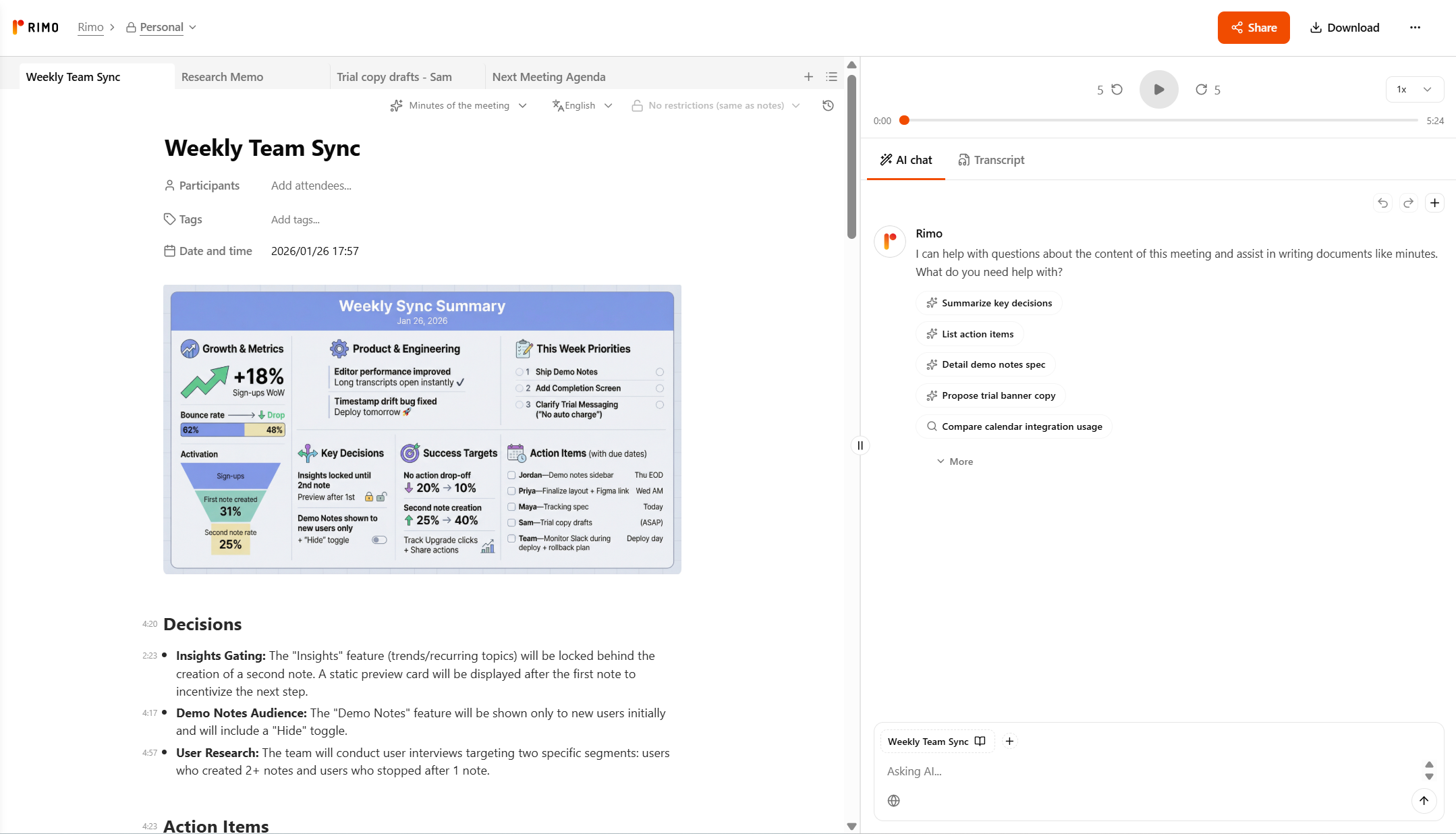
At Rimo Voice, we needed a demo meeting note to show new users what the product can do. But creating realistic demo content is tricky:
You need natural-sounding meeting dialogue with multiple speakers
The conversation has to feel authentic—with casual banter, interruptions, and real decisions
You need actual audio to demonstrate the transcription feature
The whole thing needs to look like a real team meeting, not a scripted demo
Normally, this would require either recording a real meeting (privacy concerns) or hiring voice actors (expensive and time-consuming).
The Solution: Claude + ElevenLabs Text-to-Dialogue API
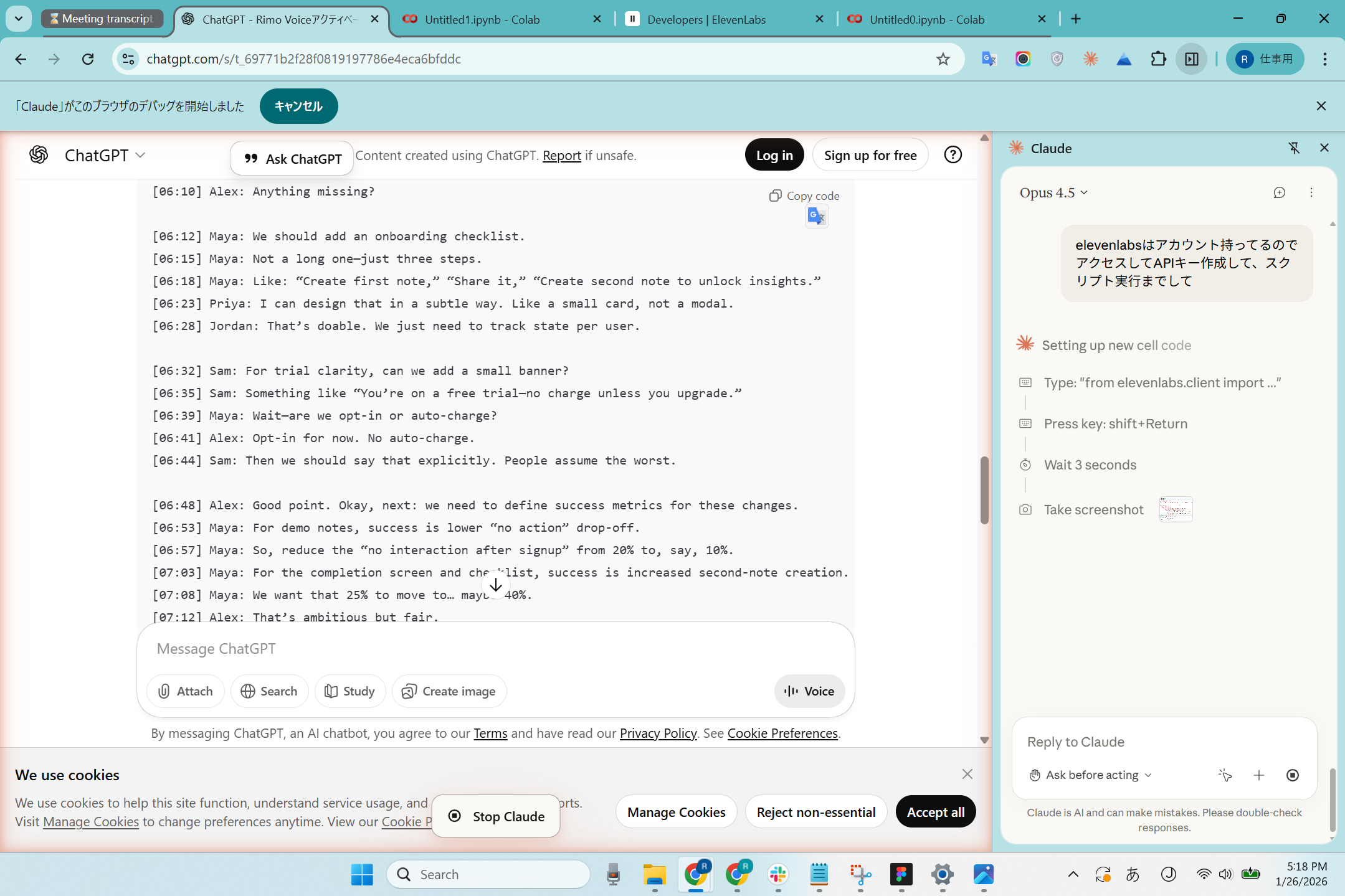
Here's what I asked Claude to do:
Generate a realistic meeting script for a ~10-minute weekly team sync
Access the ElevenLabs API documentation to understand how to create multi-speaker audio
Follow the documentation to Write and execute code to generate audio with 5 different AI voices
Step 1: Generating the Meeting Script
I started with a ChatGPT conversation where I had brainstormed ideas for a "Weekly Team Sync" meeting script. Claude took that context and helped refine it into a complete transcript with:
5 speakers: Alex (PM), Maya (Growth), Jordan (Engineering), Priya (Design), Sam (Support)
86 lines of dialogue covering growth metrics, engineering updates, design work, and support themes
Natural conversation flow including casual check-ins, back-and-forth discussion, and clear action items
Step 2: Navigating the ElevenLabs API
Claude accessed the ElevenLabs Text-to-Dialogue API documentation and:
Created an API key in the ElevenLabs dashboard
Understood the API structure for multi-speaker dialogue
Identified that there's a text length limit per request
Step 3: Generating the Audio
Here's where it got interesting. The full transcript was too long for a single API call (8,000+ characters vs. a 5,000 character limit). Claude:
Automatically split the transcript into 6 chunks of 15 lines each
Assigned different voices to each speaker:
Alex → Adam (male)
Maya → Rachel (female)
Jordan → Domi (male)
Priya → Bella (female)
Sam → Antoni (male)
Ran the Python script in Google Colab's terminal
Combined the audio files into a single ~5MB MP3
The Result
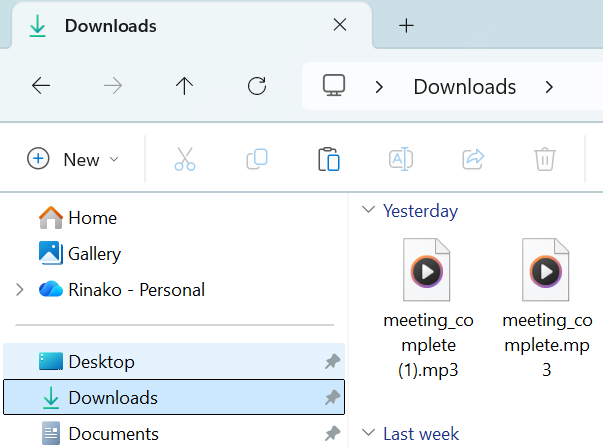
Claude downloaded the audio file he created, which was of decent quality and allowed me to successfully create a demo note!
You can see the final demo note here: Weekly Team Sync
What Worked Well → Rating: ★★★★★ (Excellent)
The integration between tools was seamless. Claude navigated between:
ChatGPT (to retrieve the meeting context)
ElevenLabs documentation and dashboard
Google Colab (to run Python code)
In particular, Google Colab was a tool I had never seen or used before, but Claude opened it and ran it automatically, which really impressed me.
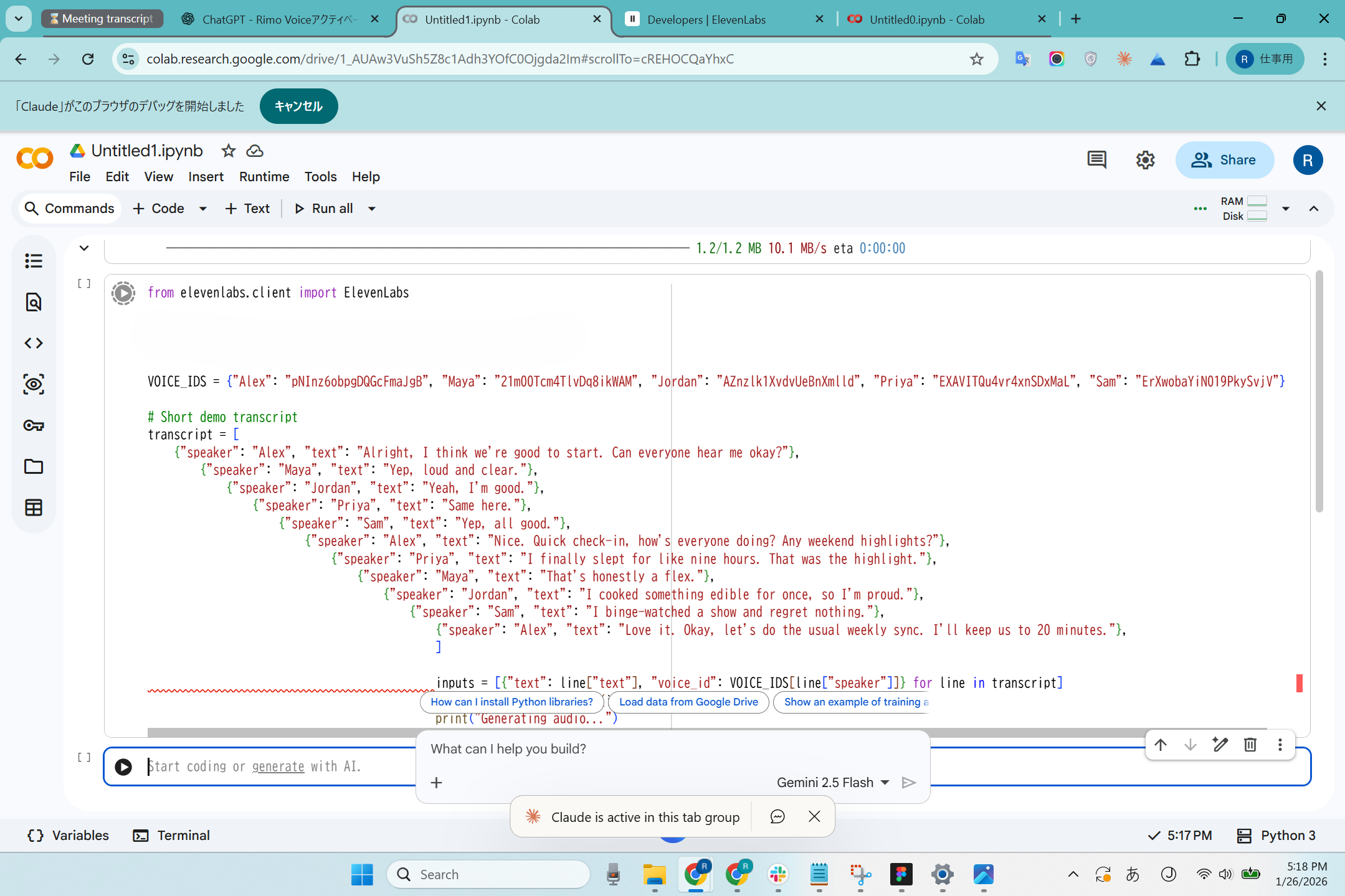
Problem-solving in real-time. When the API returned a "text too long" error, Claude immediately understood the issue and refactored the code to split the transcript into chunks.
The output was actually usable. The audio sounds natural, and we used it directly for our demo note without any manual editing.
Conclusion: Claude in Chrome Excels at Creative Automation
This experiment reinforced what I learned before: Claude in Chrome is best for tasks that require navigating multiple logged-in tools and adapting on the fly.
Creating demo content is exactly this kind of task—you need to access documentation, generate creative content, use APIs, and handle errors gracefully. Claude handled all of this while I focused on other work.
If you're looking to create demo content, training materials, or sample data for your product, this workflow could save you significant time.
Related articles
Fireflies.ai Review for 2025: Why This AI Teammate Is Changing How Teams Run Meetings
Otter.ai Review 2026: AI Chat, Pricing, and a Real In-Person Recording Test
Real-Time AI Audio Translation (2026): Hands-On Comparison for Meetings, Events & Live Streaming
Return to List